
JustMD app icon JustMD — for macOS 14+

# Markdown that reads like the finished document.

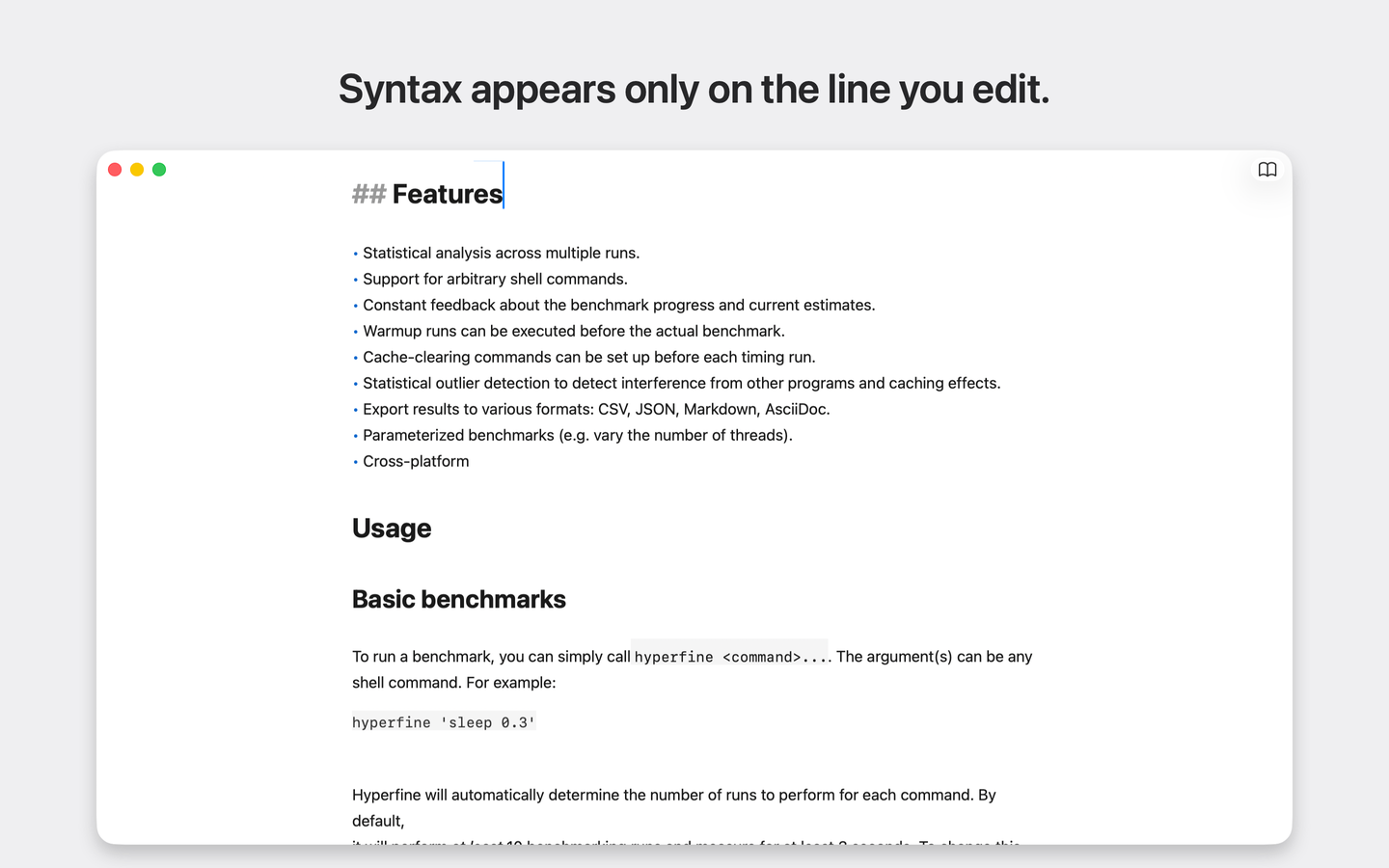
JustMD is a native macOS editor that hides the syntax while you write — open a .md file and see a clean page, not a wall of **asterisks**.

JustMD editing a markdown document: syntax markers hidden, checkboxes and tables rendered inline

##You know this file.

>You open a README and it's a thicket of #, ** and | pipes — you spend more time parsing markup than reading your own words.
>Your notes app renders markdown beautifully… inside its own library, its own sync, its own subscription. Your files are hostages.
>You just want to edit the file. Not import it, not create a vault, not configure a preview pane.
>And the "minimal" Electron editors take three seconds to open a text file, then type with a visible lag.

Your markdown files deserve a Mac app that treats them like documents.

##One file, one window, one focused writing surface.

JustMD opens your local .md files the way TextEdit opens text — instantly, natively, no library and no lock-in.

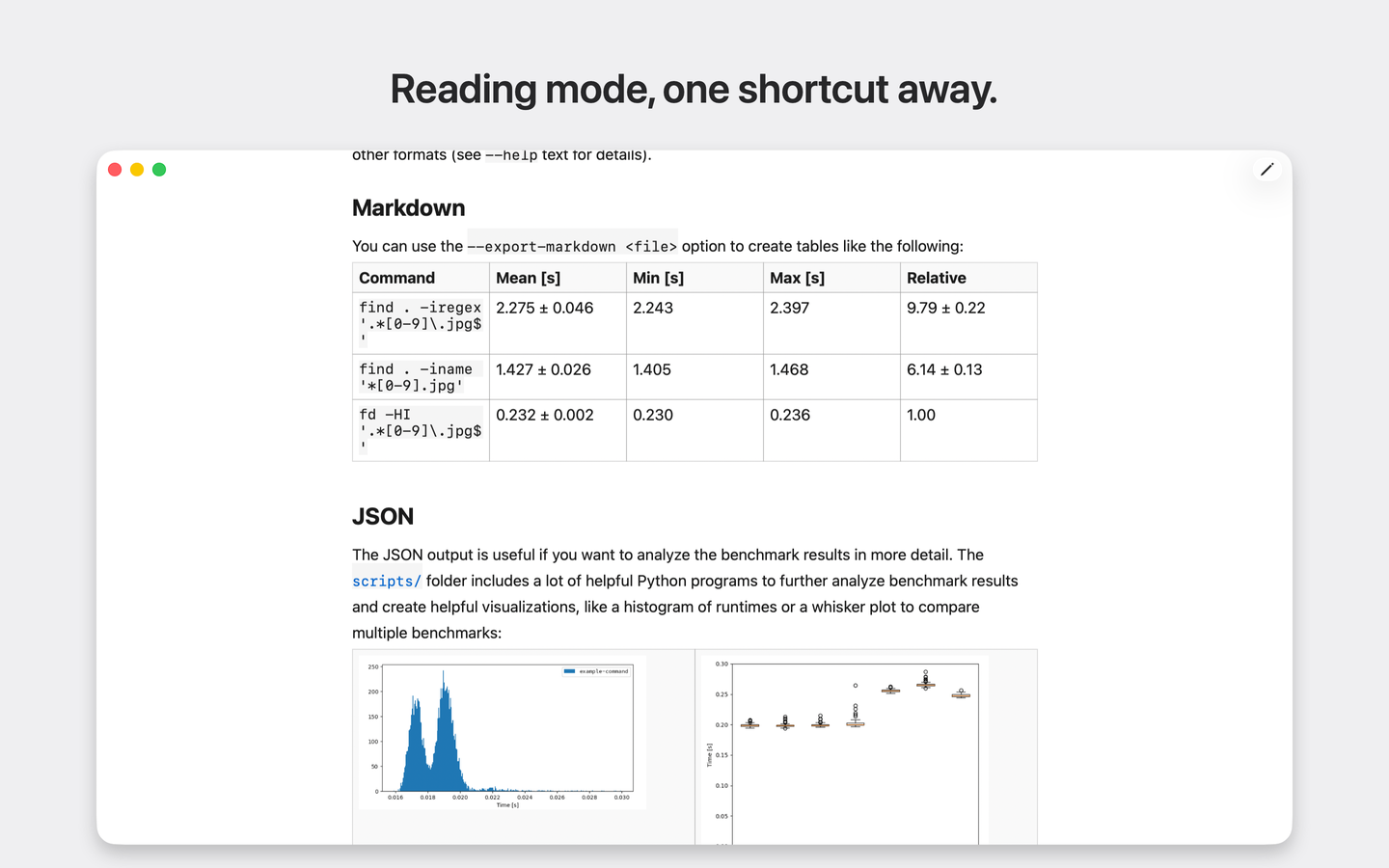
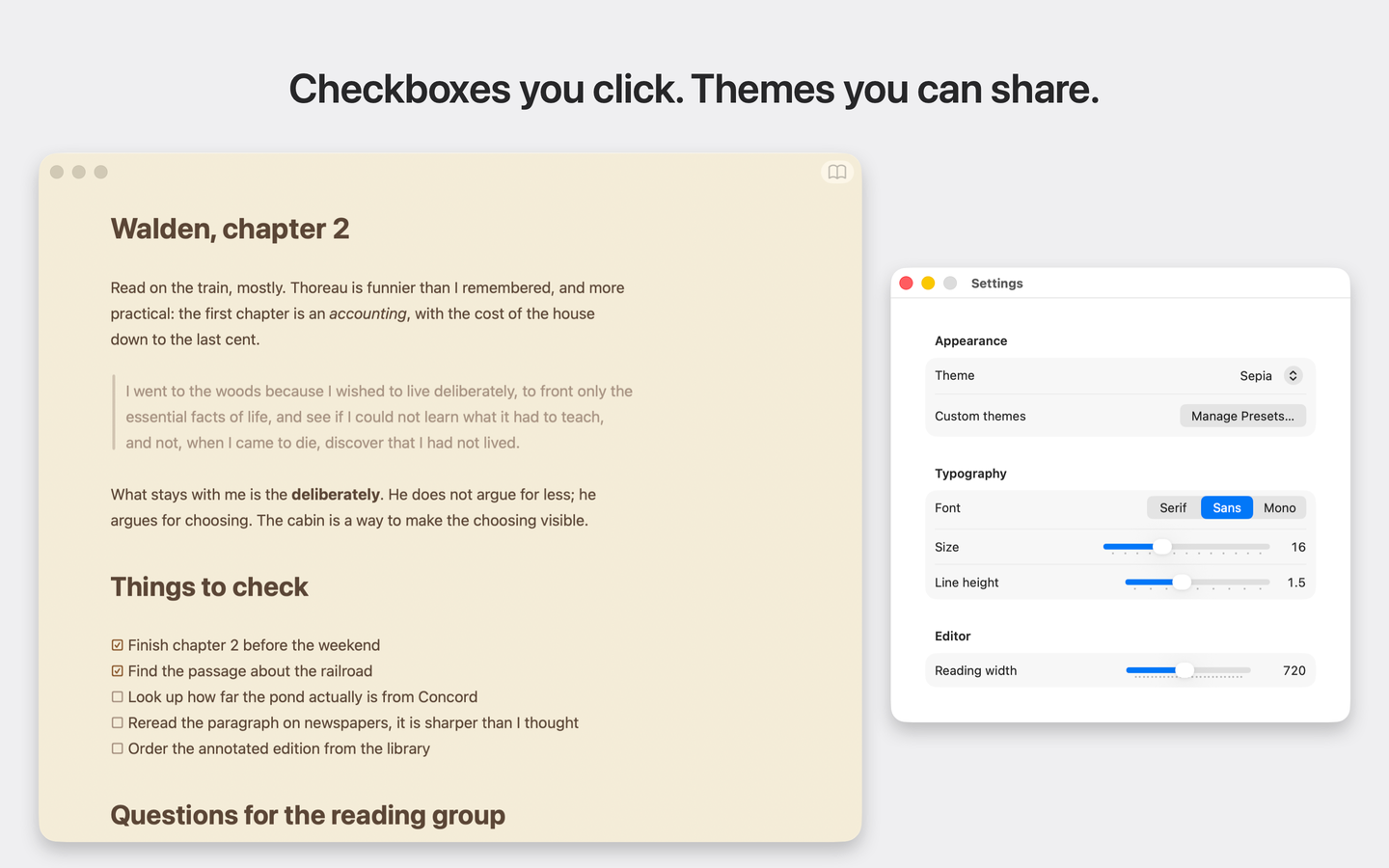
Instead of raw markup you see the document: **syntax markers hide** on every line except the one you're editing, lists get real bullets and clickable checkboxes, tables align into grids. Flip to Read mode for a fully rendered page.

##How it works

  1. Open — double-click any .md file in Finder, or drop it on the icon.
  2. Write — markdown styles as you type; the caret line reveals the raw syntax when you need it.
  3. Read⇧⌘E switches to a rendered view with real tables, images, and links.
  4. Done — autosave and macOS Versions keep the file safe, exactly where it lives.

##Why people switch

  • - [x] Read your own notes at a glance — no syntax noise between you and the text.
  • - [x] Keystrokes land instantly, even in long documents — native AppKit, not a browser in a costume.
  • - [x] Your files stay yours: plain .md on disk, no vault, no sync, no account.
  • - [x] Check off task lists by clicking, not by editing brackets.
  • - [x] Make it yours: five built-in themes plus shareable custom palettes.

Your markdown, finally legible.

native · sandboxed · a few megabytes · macOS 14+